Pimp My Sample
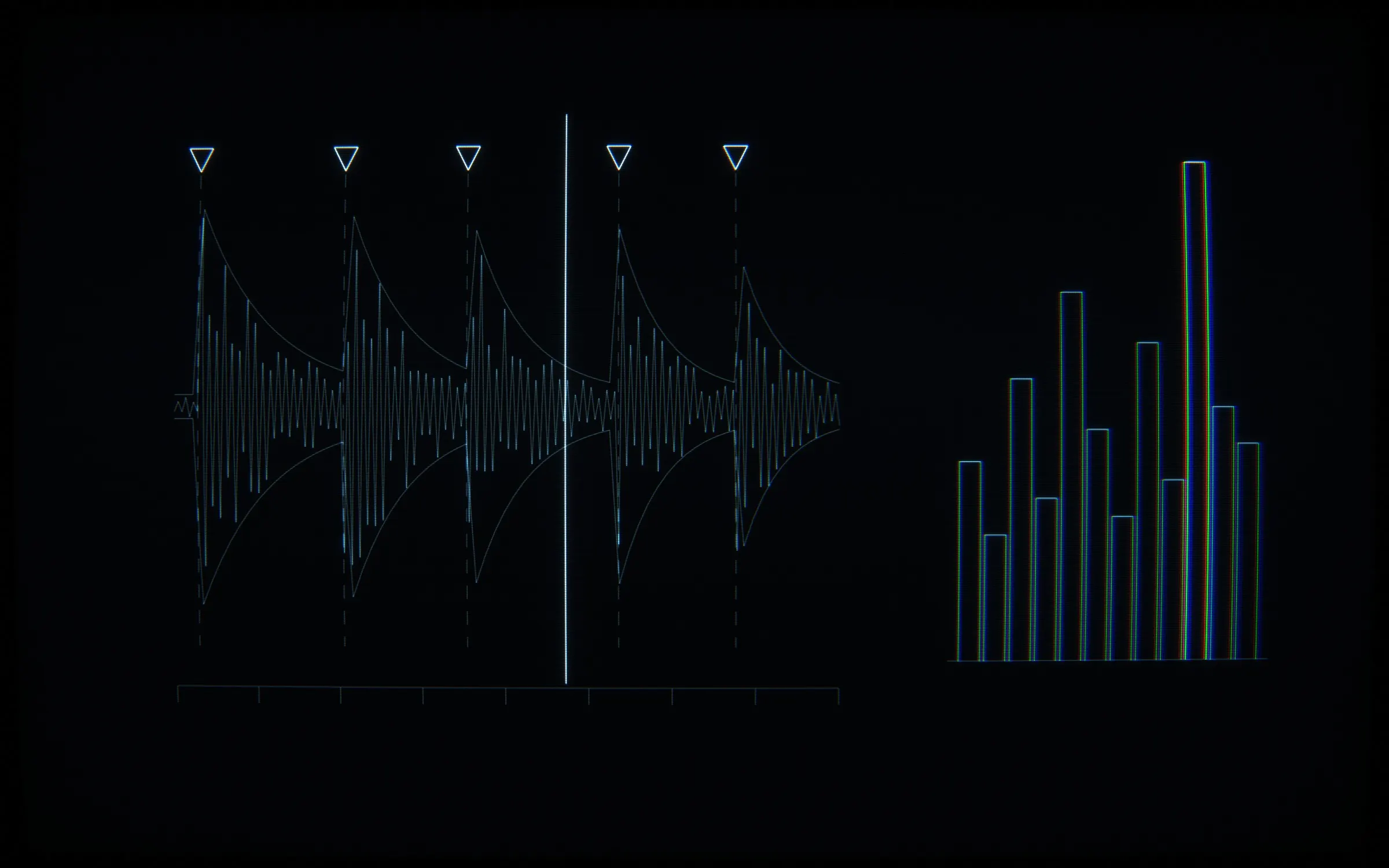
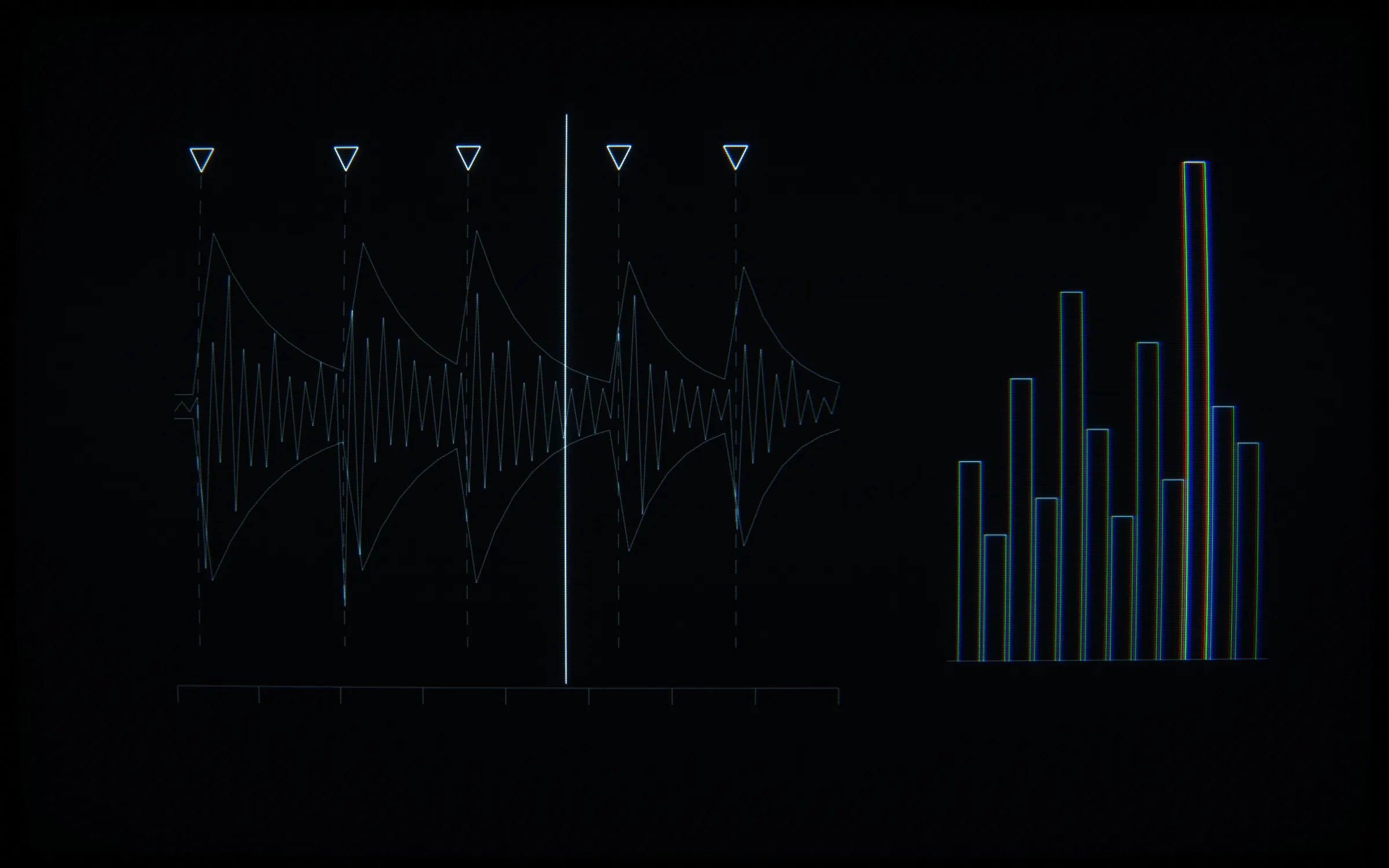
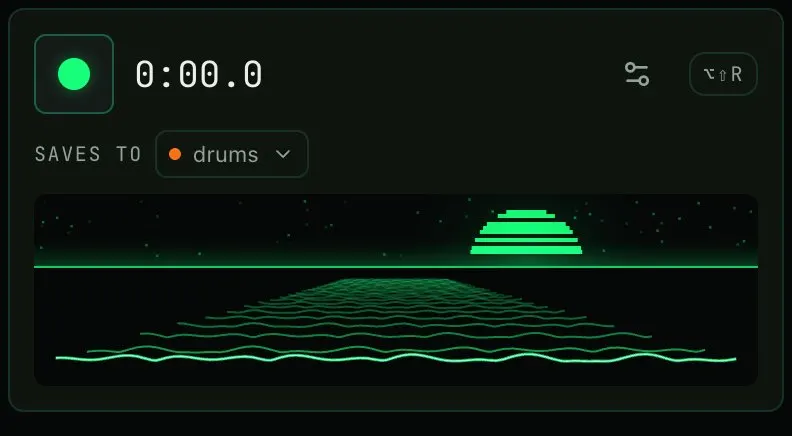
Pimp My Sample records any tab into your sample library, from Chrome's side panel. The primary library is a folder you choose on disk, with WAV files, real subfolders and a library.json manifest.
- PERIOD
- Aug 5–10, 2026
- PLATFORM
- Chrome extension (MV3)
Challenge
Chrome extension for music producers: record any browser tab into a real sample library on your disk. Capture runs in an offscreen AudioWorklet, so recording survives closing the panel. Key, BPM and loudness analysis runs in a worker, with a hand-written Goertzel chromagram for key detection. Trim, chop on onsets, export lossless WAV.
chrome.tabCapture.getMediaStreamId works only in the background service worker. It needs a per-tab activeTab grant from a user gesture: an icon click, a context menu or the ⌥⇧R command. No manifest permission bypasses this.
Closing the panel dropped the folder grant, because File System Access session grants end when the extension origin’s last live context closes. Capture APIs cannot be tested headless, so the gate for recording is a manual soak test in Chrome.
Approach
My proof of concept, dated 5 August 2026, set out to show that a Chrome side panel can record a tab’s audio without muting the tab. It recorded with MediaRecorder, as webm/opus.
My product plan replaced MediaRecorder and webm with WAV through an AudioWorklet, because producers want WAV. A plan principle says recording must not die with the UI. So all capture moved into an offscreen document, and the side panel became a remote control and a view.
The implementation plans tell agentic workers to use subagent-driven development, task by task. Wave 1A ran on its own branch, in an isolated git worktree, and landed as the merge commit “merge: wave 1A — typed message router + send wrappers”. The project rule is that decision-making code is a pure function in a non-UI modules/*/ file, with a colocated test written first.
Architecture
The background service worker stays thin: gesture grants, streamId minting, session state and the badge. One offscreen document owns every capture session and writes finished clips to IndexedDB. Side panels read shared state from chrome.storage.session. Several tabs can record at once: sessions are keyed by tabId, and the toolbar badge shows the number of active sessions.
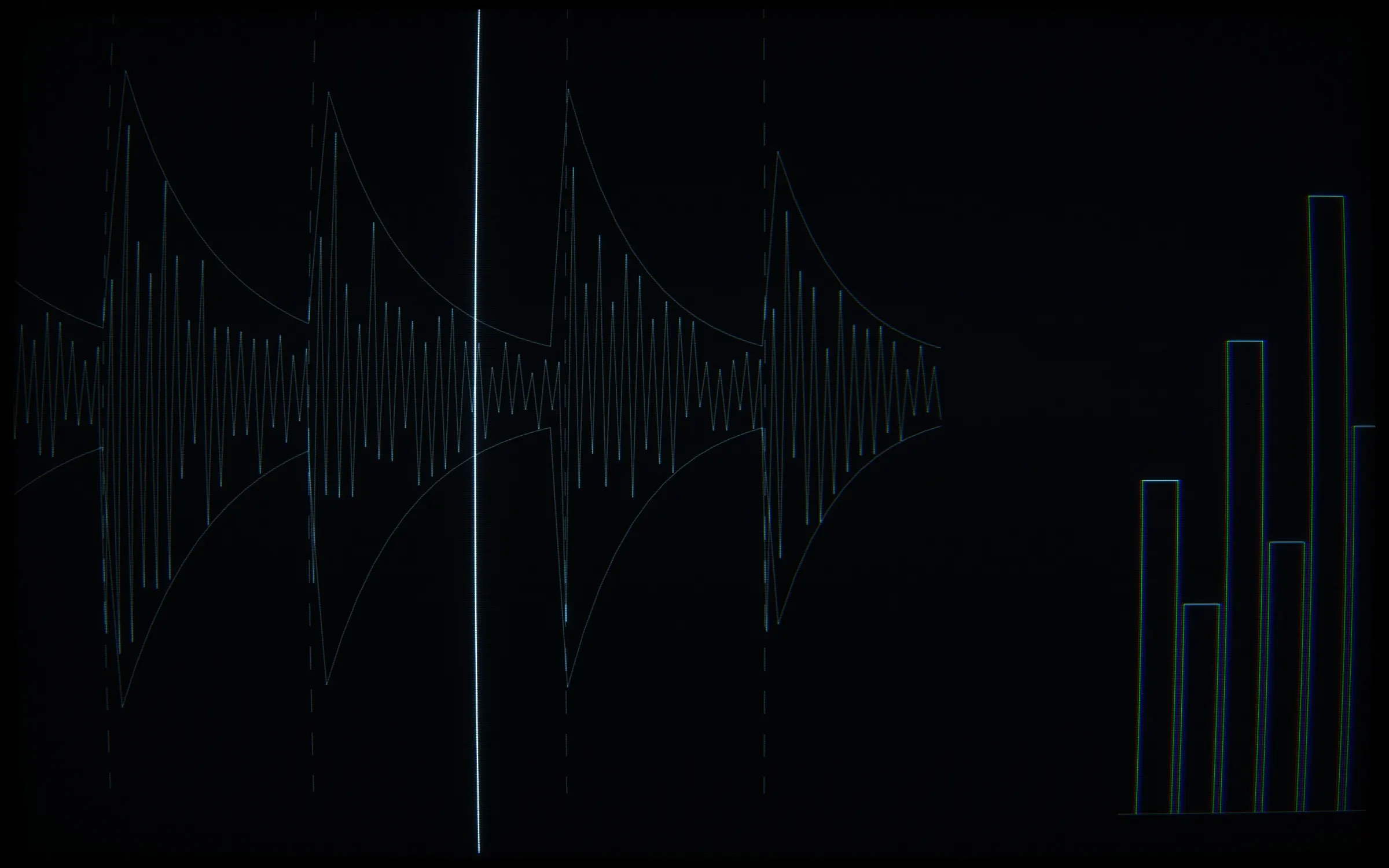
Inside the offscreen document, the engine opens the tab’s stream with getUserMedia, using the stream id minted by the background. It routes the source three ways: into the wav-recorder AudioWorklet for capture, through a gain node to the speakers so the tab stays audible, and into an AnalyserNode with fftSize 512 for the record visual. The worklet posts a copy of each block’s channel data and computes RMS itself, so the level meter reflects the block the encoder receives. PCM chunks accumulate in memory per channel and are encoded to WAV at stop.
On 7 August I made the user’s chosen folder the primary library: WAV files, real subfolders and a library.json manifest. IndexedDB became the recording buffer and UI cache. A pure planner emits a list of filesystem operations, and an impure shell persists the handle, manages permissions and runs the plan.
Decisions
- A session is “starting” once the offscreen start succeeds, and becomes “recording” only when the first worklet frame arrives: evidence, not intent.
- The folder is the library. When a tracked file disappears from disk, disk wins: the clip leaves the manifest and the app library. Deleted clips move into a
_Trashfolder and are never hard-deleted, because the folder holds the user’s data. - Chops are saved as separate child WAV clips with a
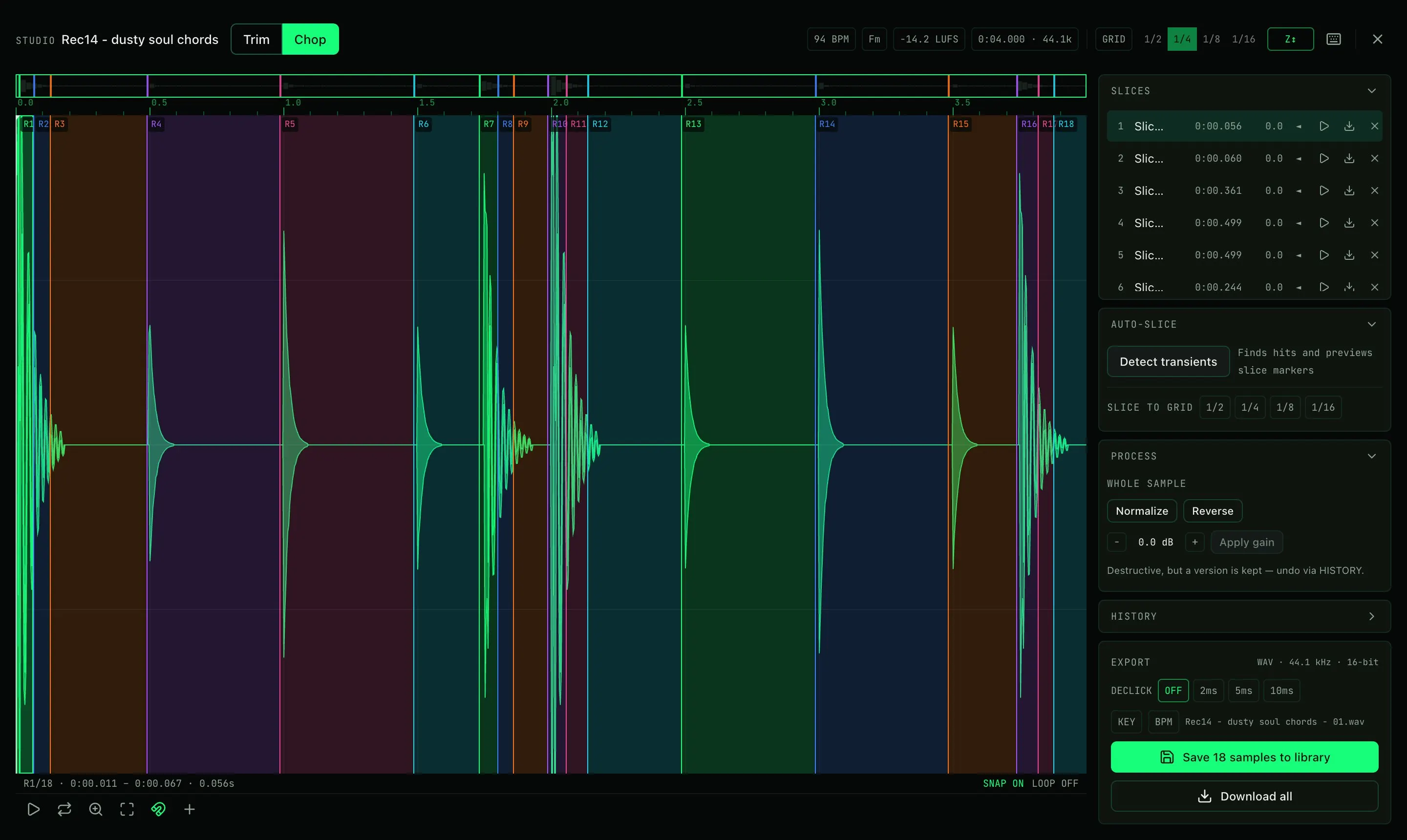
parentId, named<parent>.01/.02, not as pointers into the parent, because library samples must be independently exportable files. - Studio is its own WXT entrypoint, limited to one tab, because two Studios on one blob risk corruption.
- The trim and chop editor became an in-house canvas wave editor whose pointer gestures are a pure reducer, and its pure logic shipped with 179 tests.
- Transient detection uses spectral flux with a past-only moving-median threshold, because a symmetric window lets the sustain after an attack mask the attack itself. Clips longer than 30 seconds run onset detection in a module Worker, so dragging the sensitivity slider does not block the UI thread.
- I removed LUFS-matched audition on 10 August, after a slice at about -28 LUFS received the full 4x boost. Clips now play at unity gain in the library and in Studio, and the measured LUFS stays as a badge in the Studio header.
- An independent review found that integer-bin rounding in the key detector collided seven adjacent semitone pairs from C2 through D3. The fix switched to exact-frequency Goertzel and raised the floor to C3; the range is now C3 (MIDI 48) through B6 (MIDI 95).
// Why C3 and not lower: at FRAME_SIZE=4096/44.1kHz, the DFT bin spacing is sampleRate/FRAME_SIZE
// ≈ 10.77Hz. A naive implementation that rounds each target frequency to the nearest integer bin
// (`k = round(FRAME_SIZE * f / sampleRate)`) collides adjacent semitones onto the *same* bin
// throughout C2–D3 (e.g. MIDI 36/37, 65.41Hz and 69.30Hz, both round to k=6) — seven such
// collisions were verified by direct computation. This implementation instead evaluates Goertzel
// at the *exact* target frequency (no bin rounding — see goertzelMagnitude below), which removes
// the collision bug entirely. But exact-frequency evaluation doesn't remove spectral leakage: with
// only ~10.77Hz of bin resolution, a semitone gap below C3 is still narrow relative to the
// Goertzel filter's main-lobe width, so energy from one pitch class leaks heavily into its
// neighbors' bins. Measured (pure sine, adjacent-semitone magnitude relative to the true bin's
// peak): ~84% leakage into the nearest neighbor at C2 (MIDI 36), dropping to ~40% at C3 (MIDI 48)
// and negligible by C4 (MIDI 60). C3 is the floor where discrimination becomes usable for chroma
// purposes at this frame size; going lower would require a longer frame (finer resolution) at the
// cost of time resolution, which isn't a trade this module needs to make for key detection.
const MIN_MIDI = 48; // C3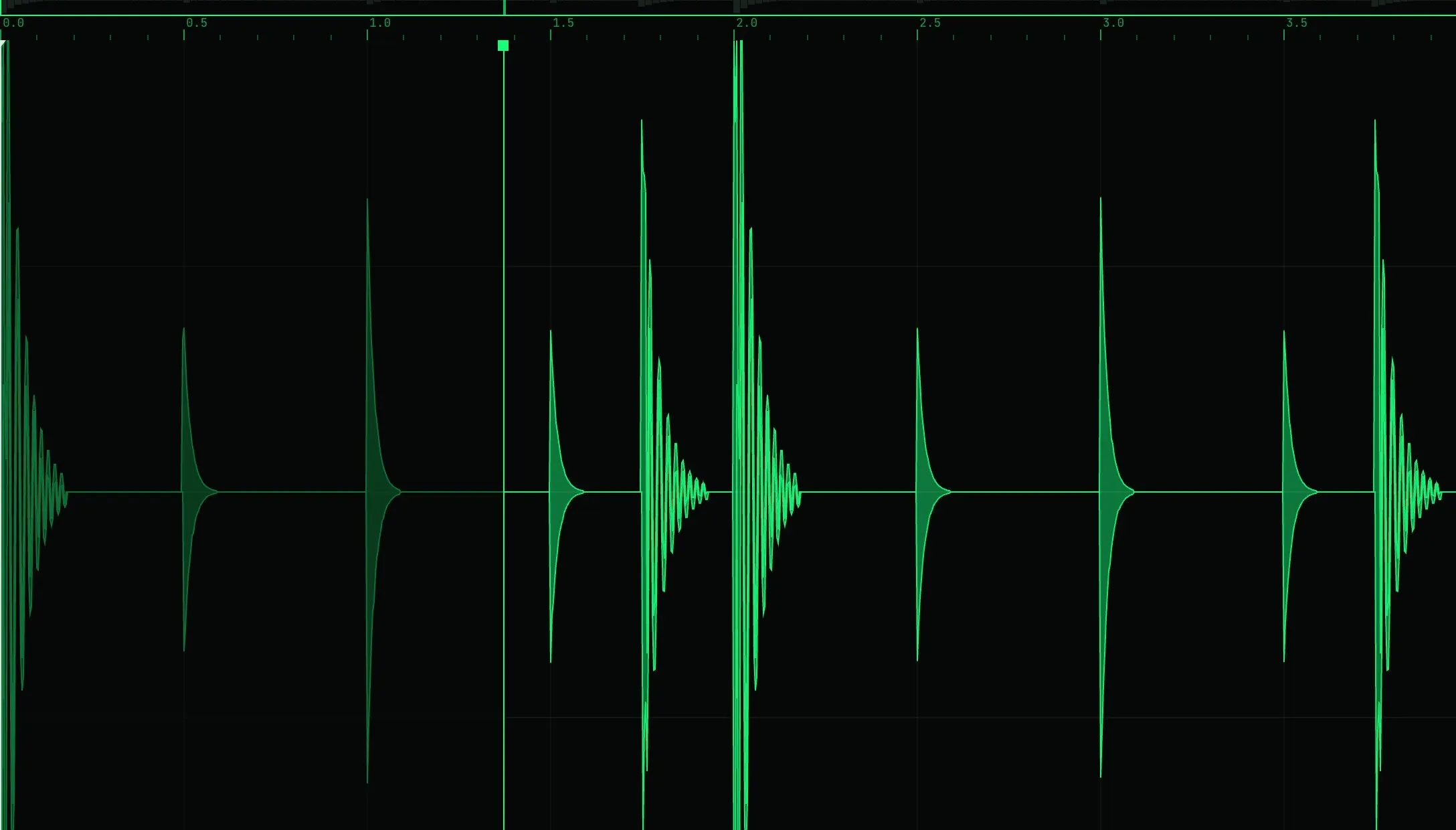
Outcome
The launch-post notes record 213 commits over five days, from 6 to 10 August 2026. The v0.2.0 review had counted about 1,550 production lines and 16 tests. At v0.4.0, the notes record 1,102 tests passing in 87 test files and a 1.6 MB built extension.
The landing page went live on 8 August with a demo video. It says the product is free, with no tiers, trials or account. The privacy policy states no accounts, analytics, telemetry or servers, and says the extension makes no network requests.
The v0.2.0 review lists full in-RAM buffering as known, with OPFS streaming deferred to a later tier. The store listing draft recommends up to about 30 minutes per clip in this version. The plan’s launch gate was 30 minutes of real digging with zero lost or corrupted recordings. On 6 August, the v0.4 spec listed the 30-minute soak test as never run on any version.
> OUTPUT: Published on the Chrome Web Store. Built in parallel agent waves in isolated git worktrees, test-first for the logic.
ALL_FRAMES