An atomic deploy pipeline for WordPress themes
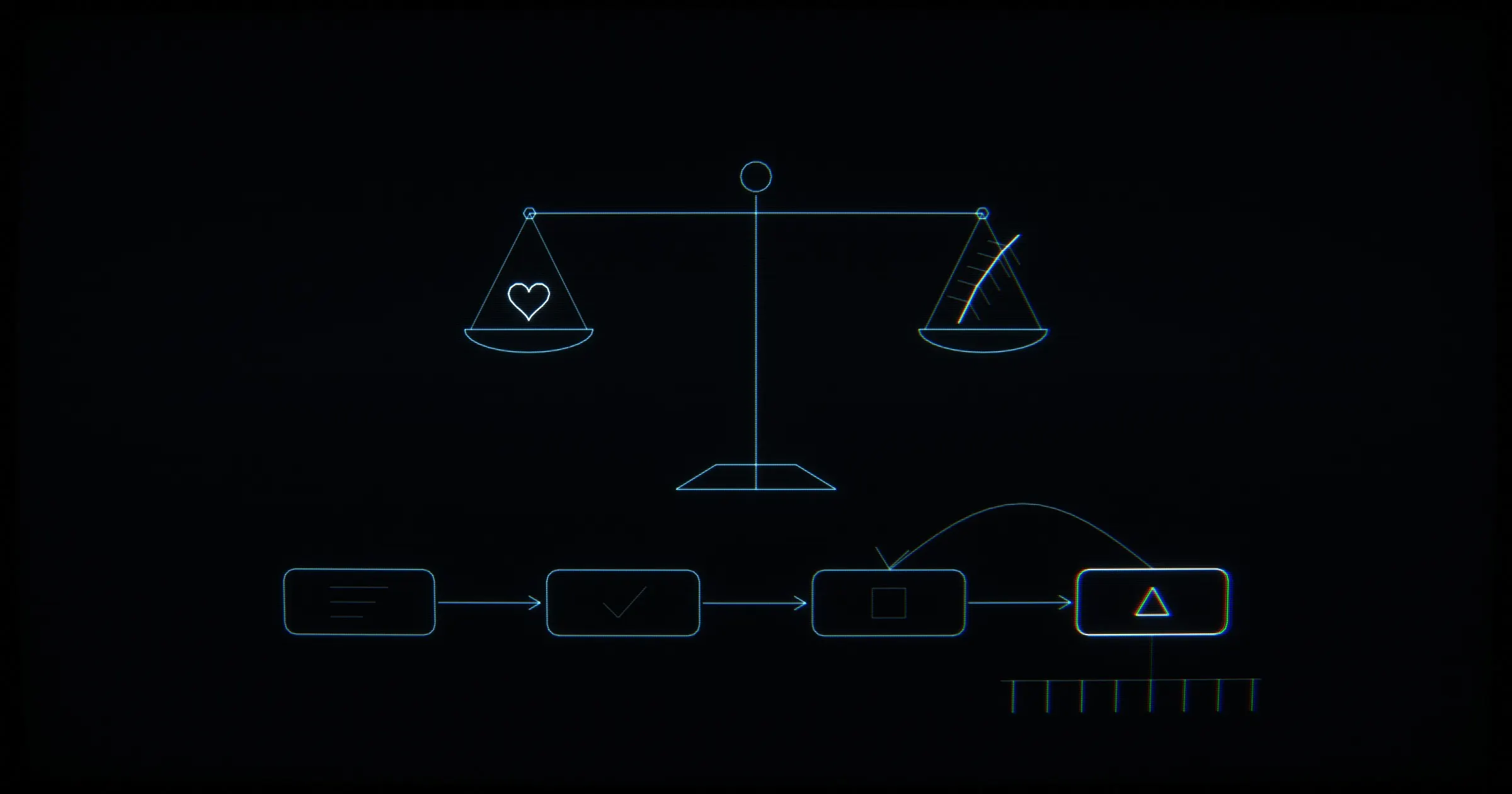
Atomic deploys for WordPress themes: build in GitHub Actions, lint PHP, sync to a new directory, switch with two renames, then check the routes.
The simple way to ship a WordPress theme is to copy the new files over the live ones. For as long as the copy runs, the site serves a mix of old and new files. If the copy stops halfway, the theme is left incomplete. An extra parenthesis in one template reaches the server as a 500. An ACF field group edited in admin gets deleted by the next deploy. A tab opened before the deploy asks for script chunks that are no longer there. Atomic deploys solve the first two problems. The other three each need a step of their own.
At my agency, Code of Maat, I built our starter theme (Vite, Tailwind v4, an ACF page builder) and the delivery pipeline: GitHub Actions with lint, type-check, build, atomic deploys with rollback and route checks, behind Cloudflare. Eight client sites are built on it so far. This note walks through the client-site workflow in three parts: what runs before the server, how the switch works, and what runs after it. The agency work around it is in the Code of Maat case file.
Build in CI, lint before the server
The workflow runs in GitHub Actions on every push to main, and I can start it by hand. The server has no Node. So I build in CI, and only the compiled output reaches the server.
Only one deploy runs at a time, and a running one is never cancelled. Two runs at once would rewrite the same files. Cancelling a job stops it wherever it is. A stop in the middle of the sync would leave the theme incomplete.
The job sets up Node 22 with a yarn cache. Then it runs php -l on every PHP file, yarn install --frozen-lockfile and yarn build. It fails if manifest.json or the compiled CSS is missing.
The lint step is there because an extra parenthesis in a template reaches the server as a 500. It stops the deploy before the deploy touches the server. php -l only parses a file; it doesn’t run it. A syntax error fails the step. A call to a function that doesn’t exist passes, and breaks only when a page runs. The agency theme’s tests have a similar script, php-lint.sh. It runs php -l with PHP 8.2.29, because PHP 8.3 and 8.4 accept syntax that the site’s 8.2 rejects.
The other two checks guard the build itself. --frozen-lockfile makes yarn fail instead of rewriting the lockfile, so CI installs the versions that were committed. A Vite manifest maps each entry to the hashed files the build wrote. A theme that reads its asset paths from the manifest has no CSS or JS without it.
The copy that reaches the server leaves out .git, .github, README.md, assets/src/, the build configs, the lockfile and the seed scripts. The agency theme’s deploy package has a similar list: no tests/, tools/, assets/src/, assets/node_modules/, assets/harness/ or README.md. There, tests/report/ alone is about 70 MB.
I pin the server’s host key from a secret, so a man-in-the-middle can’t receive the deploy. Pinning means the connection fails if the server presents any other key.
A new directory, then two renames
The sync writes into a new directory, not over the live theme. The live theme is switched only at the end, by two consecutive mv commands. A plain swap would still lose two things, so two more steps run on the server.
Admin edits to ACF fields
ACF keeps its field-group JSON on the server, and an edit in admin changes it. The deploy compares an md5 checksum of that JSON with the one saved at the last deploy. If they differ, the deploy stops. The admin edit has to reach git first, instead of being deleted. This portfolio takes the other road: its ACF fields are defined in PHP files and generated into local JSON, so edits made in admin would be overwritten by the rebuild.
Chunks for open tabs
Hashed file names change whenever a file’s content changes. A tab opened before the deploy still holds the old names, and it may ask for a chunk only later, when the page needs it. So the previous build’s hashed JS and CSS files that changed within the last week (-mtime -7) are kept next to the new ones. Tabs opened before the deploy can still load their chunks.
The swap
At the end come the two mv commands. The first moves the live theme to a backup directory outside the web root, where admin doesn’t list it as a theme and nothing serves it. The second moves the new directory into its place. Here is that part of the workflow, verbatim:
# Keep the previous build's hashed files next to the new ones: tabs opened
# before this deploy can still load the chunks they ask for.
# (-p keeps their date, so after a week they drop out instead of piling up)
if [ -d "$THEME_DIR/assets/dist" ]; then find "$THEME_DIR/assets/dist" -maxdepth 1 -type f \( -name '*.js' -o -name '*.css' \) -mtime -7 -exec cp -p --update=none {} "$RELEASE/assets/dist/" \; || true; fi
mkdir -p "$(dirname "$BACKUP")"
rm -rf "$BACKUP"
if [ -d "$THEME_DIR" ]; then mv "$THEME_DIR" "$BACKUP"; fi
mv "$RELEASE" "$THEME_DIR"In the textbook sense, an atomic switch is one step that takes the site from the old version to the new one. No request sees a mix of the two. Renaming a directory within one file system is such a step. Moving the live directory away and the new one in takes two renames. Between the two calls there is a short moment when the theme path doesn’t exist. The usual textbook form of an atomic deploy is a symlink swap. Each release lives in its own directory, and the live path is a symlink. The switch renames a new symlink over the old one, in one call. The two renames give the property this step exists for: the site never runs a half-copied theme.
After the switch, check the routes
After the switch, the job requests a list of routes: home, work, about and the project pages. It fails on any status other than 200, and on a PHP fatal-error message in the page. The list exists because an error in a page template had gone unnoticed when only the homepage was checked.
A status code alone can miss a broken page. Once PHP has started sending a page, a fatal error further down can’t change the 200 that already went out. Searching the HTML for the error text catches that case. Here is the loop, verbatim, with the project routes left out:
for u in / /work/ /about/ …; do
  code=$(curl -s -o /tmp/page.html -w '%{http_code}' -L --max-time 25 "$SITE_URL$u" || echo "000")
  if [ "$code" != "200" ]; then echo "::error::$u a răspuns cu $code"; fail=1
  elif grep -qi "fatal error\|there has been a critical error" /tmp/page.html; then echo "::error::$u are eroare fatală PHP"; fail=1
  else echo "OK $u"; fi
doneThe staging site for our approved design concepts runs a shorter version of the same check. On a push to main that changes the theme, its workflow rsyncs the theme, activates it and checks with curl that each listed page answers 200. While that site is behind a password and the auth secret is unset, it skips the page checks with a warning.
The client workflow also has a cache-flush step, for a page-cache plugin and, through it, Cloudflare. Unless that plugin is installed, the step has nothing to purge. HTML isn’t cached at Cloudflare, and CSS and JS file names carry hashes. A hashed name changes with the content, so a cache never serves an old file under a new name.
What I’d keep
- Build in CI and send only the compiled output to the server.
- Lint every PHP file before the deploy touches the server.
- Sync into a new directory and switch at the end, so the site never runs a half-copied theme.
- Stop the deploy when the ACF JSON on the server changed since the last one, so admin edits reach git instead of being deleted.
- After the switch, check a list of routes for a 200 and for fatal-error text, not just the homepage.