Neural Monitoring Ecosystem
I built a web app that records EEG from the Neurosity headset and stores each session in WordPress. The AI request goes out only after the recording stops, and it holds band statistics and key moments, not the raw EEG.
- PLATFORM
- WordPress theme + React app, Neurosity SDK
Challenge
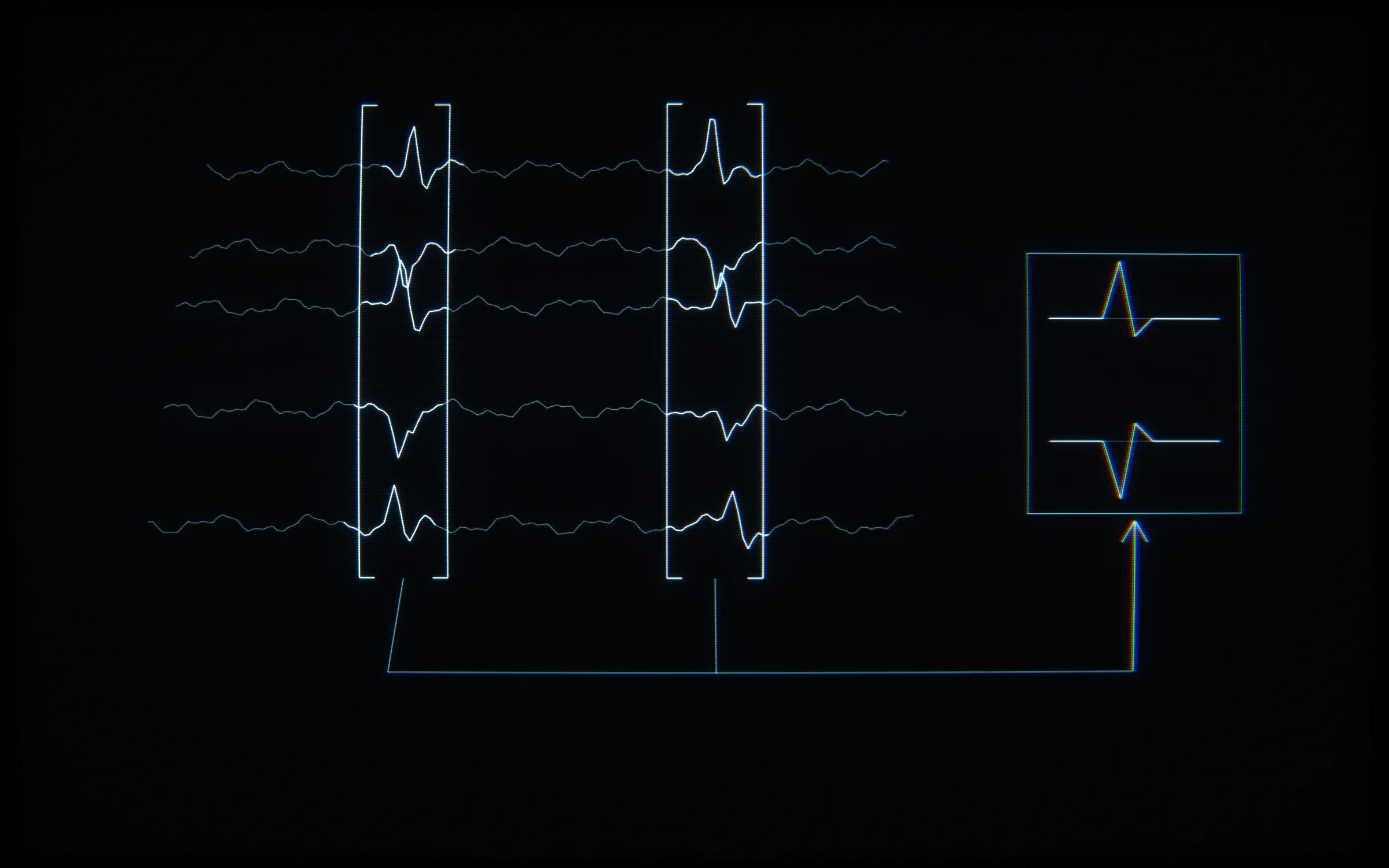
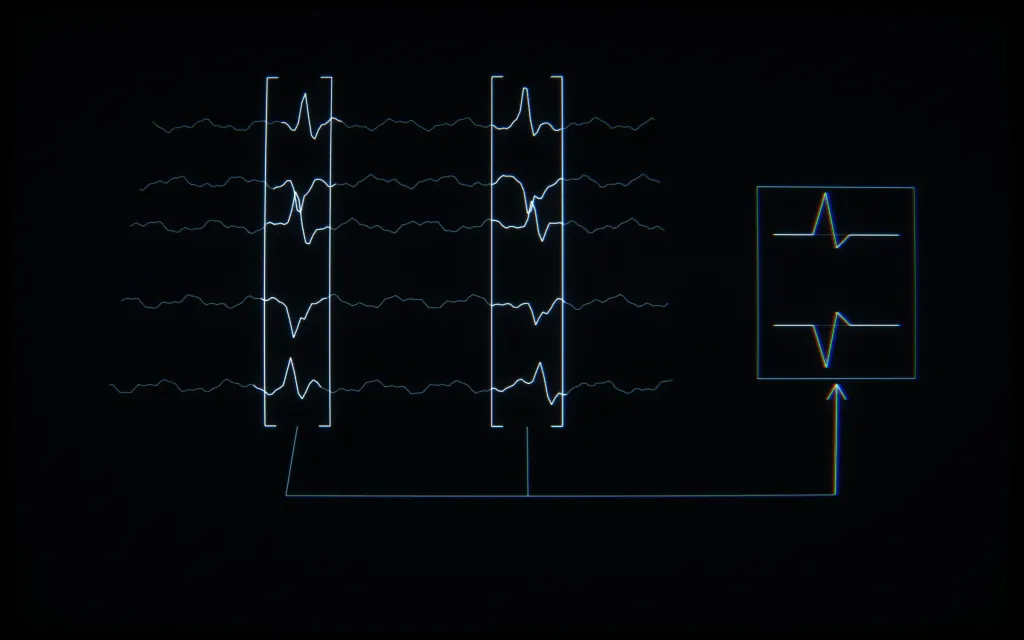
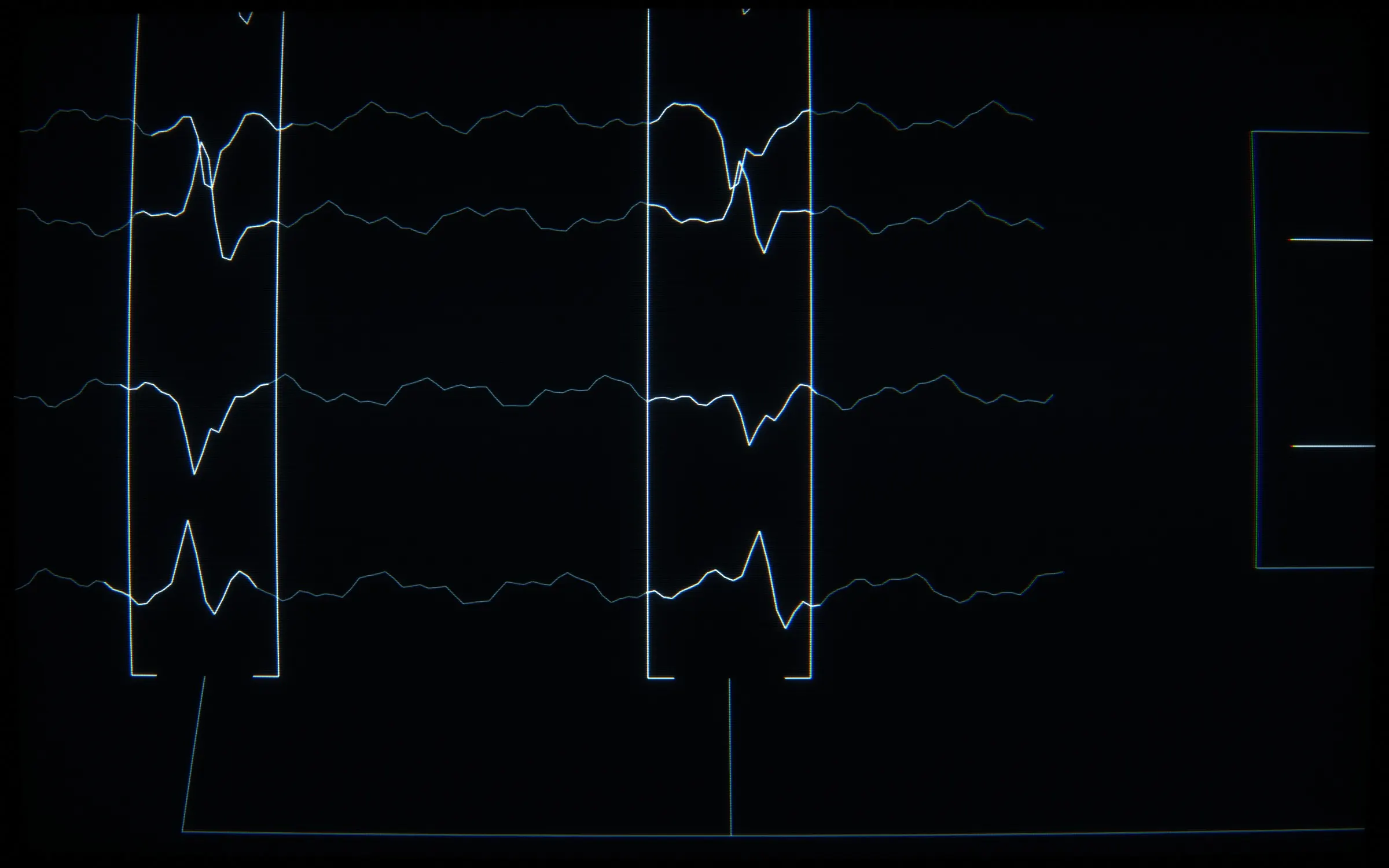
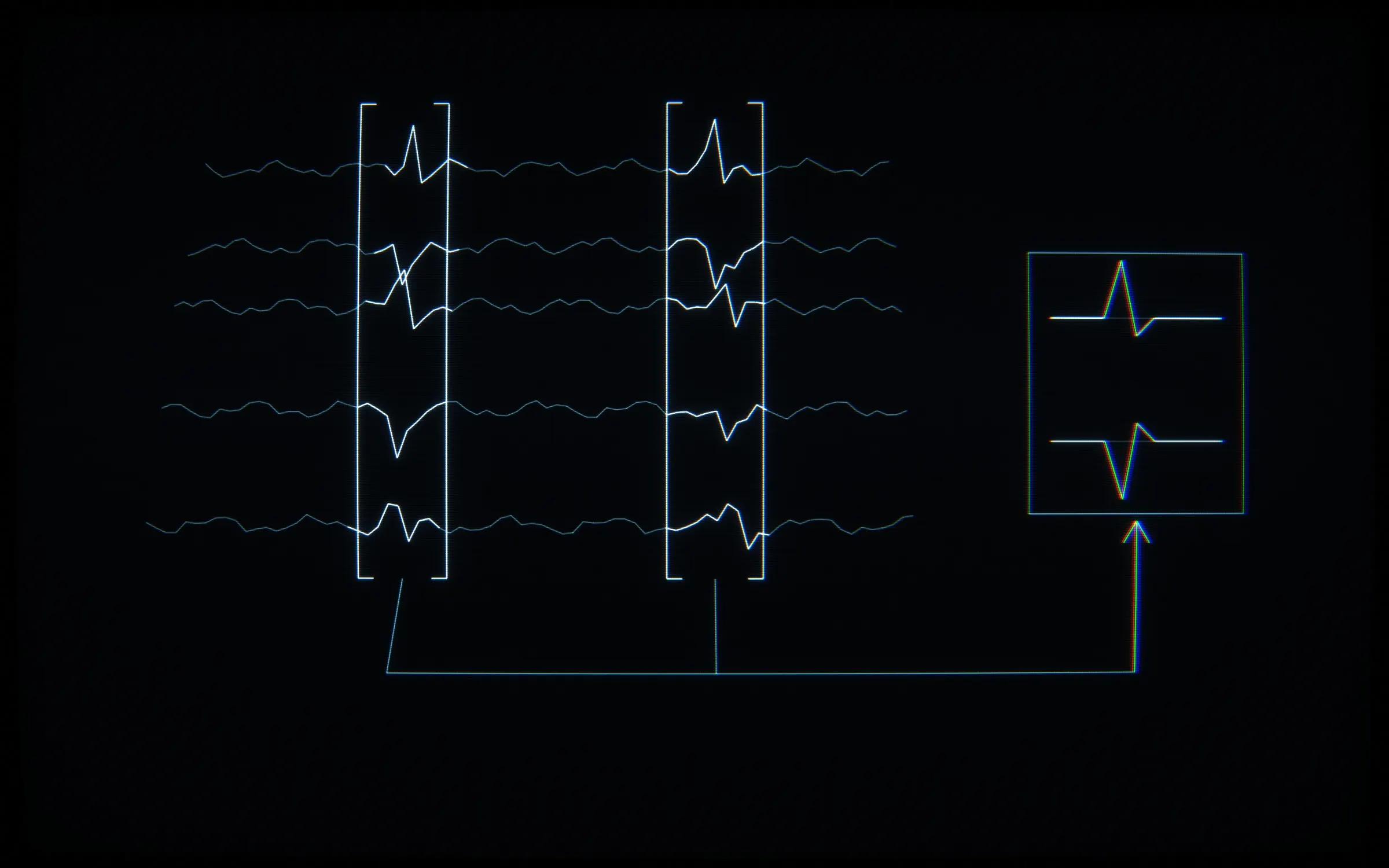
Built a neural monitoring app for clinical psychologists. The Neurosity headset throws 20MB of data per minute. Implemented spike detection algorithms from medical research. After a session, the algorithm extracts relevant moments and sends only those to AI for interpretation — not the raw flood, just what matters.
The recorder assumes the headset samples at 256 Hz and draws its eight channels stacked on a canvas. I keep every raw chunk, and a finished session can be played back from it.
Approach
The prototype is a Create React App project with one commit, dated 2025-09-20. It computes band power itself: an FFT per channel with fft.js, zero-padded to the next power of 2 “for efficient FFT”, with a Hamming window “to reduce spectral leakage”. It then averages power spectral density into five bands, from delta at 0.1–4 Hz to gamma at 30–100 Hz.
In production I take band power from the SDK’s powerByBand stream instead of my own FFT. The recorder averages that stream across channels into one delta, theta, alpha, beta and gamma value per update. During recording it keeps 4 samples per second and mirrors them to sessionStorage “for AI access”.
After a session, calculateSessionStats turns the band-power series into a mean, max, min and trend for each band, plus a list of key moments. The AI request carries that summary, the duration and an optional activity context. The raw EEG is not part of it.
Architecture
The production app is a custom WordPress theme with a React app inside it.
- The theme’s
index.phpsends logged-out visitors to the WordPress login. Logged-in users get an empty#rootelement that the React app mounts into. - Vite bundles the app from one entry,
src/js/main.tsx. A PHP class loads it from the Vite dev server in dev, and from the build manifest otherwise. - React Router defines routes for the dashboard, device info, brainwaves, session lists and a session record page at
/sessions/:userId/:sessionId. TanStack Query holds server state, withretry: 1and a 5-minutestaleTime. - A custom REST namespace has routes for auth, participants, sessions, saved devices and AI descriptions. The client sends the WordPress login cookie and a nonce in an
X-WP-Nonceheader. Participant and session routes need a logged-in admin or editor, and logged-out requests get a 401. - Participants and Sessions are custom post types defined in ACF JSON. Raw EEG and band power go to
eeg-data.jsonandpsd-data.jsonunderuploads/sessions/{participant_id}/{session_id}/, and the session post keeps only that folder path. - On stop, every chunk goes to an IndexedDB store with its start time, end time and band-power slice. The save handler then marks the session completed and uploads the chunks to WordPress.
- The AI endpoint runs in WordPress. It reads the API key server-side from a WordPress option and calls the model with
max_tokens4096 and a 30-second timeout. Its default prompt is written in Romanian and asks for Markdown sections from “Profil General” to “Observații Clinice”.
Decisions
- AI generation runs only after the recording stops. The “Generate with AI” button stays disabled until the session is completed, and the record page does not generate descriptions on its own.
- Key moments have a fixed priority: “periods > transitions > spikes”. All dominant periods go in first, then transitions up to half the cap, then spikes for the slots left, sorted by time again.
- The cap depends on session length: 8 moments under 600 seconds, 15 under 1800, 25 under 3600 and 35 at 3600 or more.
- A spike is a band-power value above the band’s mean plus 2 standard deviations. It only counts when the standard deviation is above 1; the comment calls these “adaptive thresholds”.
- A transition compares each band’s average across consecutive 30-second windows, stepping by half a window. It is flagged when the change is above 25% and the values also differ by more than 2.
- Opening a completed session reads its chunks from IndexedDB first. If there are none, it fetches them from WordPress and writes them to IndexedDB “for future use”.
- A failed data upload does not stop the save. The comment says “Continue even if data save fails – metadata is saved”.
- The live view starts after a “1 second buffer at 256Hz”, then consumes a constant 256 samples per second, aiming for “maximum smoothness”.
  // Add all periods (important for overview)
  prioritized.push(...periodMoments)

  // Add top transitions
  const transitionsToAdd = Math.min(transitionMoments.length, Math.floor(maxMoments * 0.5))
  prioritized.push(...transitionMoments.slice(0, transitionsToAdd))

  // Add remaining spikes
  const remaining = maxMoments - prioritized.length
  if (remaining > 0) {
    prioritized.push(...spikeMoments.slice(0, remaining))
  }

  // Sort by time again
prioritized.sort((a, b) => a.time - b.time)Outcome
The AI reply opens in a Markdown editor with Preview and Edit modes and is saved as the session description. A stored description in the database follows the prompt’s Markdown structure, with lines such as Spike **delta** (17.6, +180% peste medie).
The debug log for 01-Nov-2025 shows calls with three model IDs returning 404 not_found_error. The next logged call was answered by the model set in the endpoint, and returned 200. It was logged as “Duration: 54, Bands count: 5, Key moments: 0”, with 1026 input tokens and 603 output tokens.
The theme’s package.json defines no test script, and the prototype’s only test is the Create React App default. What the theme does have is a lint script (ESLint), a type-check script (tsc --noEmit, strict mode) and a pre-commit entry set to lint. A one-off PHP script sets one session’s data path and status to completed, and ends with “Done! You can now test AI generation.”
> OUTPUT: Delivered and in use. Reduced interpretation time from manual review to automated AI analysis.
ALL_FRAMES